Telegram
Authentication
User account
There is nothing to copy or paste. Telegram is authenticated by scanning a QR code, the same way you would add a new device in the Telegram app.
- Click
Loginon the Telegram node. - A QR code appears on the node.
- On a device already logged into Telegram, open the app and add a new device.
- Scan the QR code shown on Rerouter.
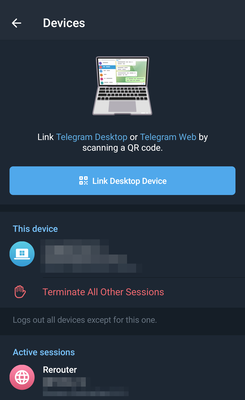
Once the scan is confirmed, the node connects and loads your channels.
Bot account
Unsupported